Guide to Online Driver’s Licence Renewal and Duplicate Application in Zambia
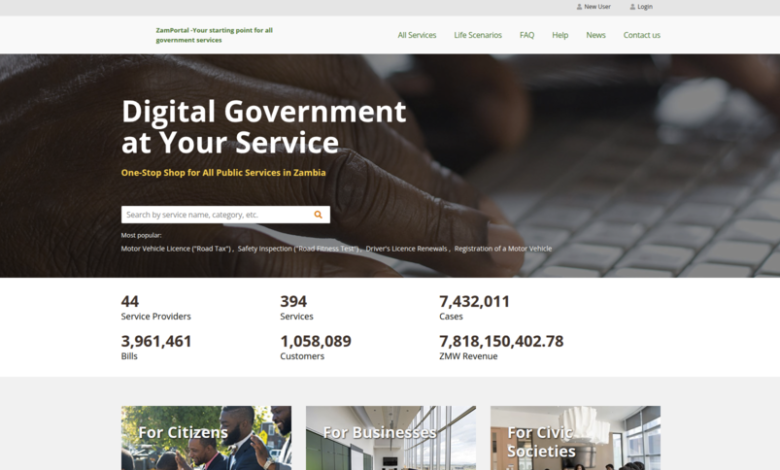
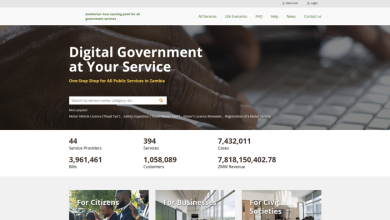
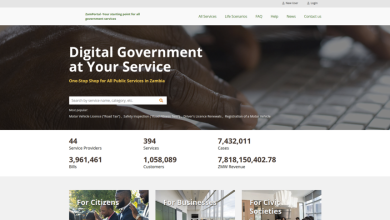
In the modern Zambian digital landscape, visiting a RTSA service centre without an appointment or prior online application is a thing of the past. By leveraging the ZamPortal (Government-to-Citizen) platform and the ZamPass authentication system, motorists can now streamline the renewal or replacement of their driving credentials from any internet-enabled device.
Application Overview
Before initiating your application, ensure you meet the eligibility criteria and have the necessary documentation scanned and ready for upload.
| Requirement | Service: Licence Renewal | Service: Duplicate (Lost/Stolen) |
| Eligibility | Existing holders of a Zambian Licence | Existing holders with lost/damaged cards |
| Primary ID | National Registration Card (NRC) | National Registration Card (NRC) |
| Supporting Docs | Copy of expiring/expired Licence | Certified Police Report (Mandatory) |
| Platform | ZamPass / ZamPortal | ZamPass / ZamPortal |
The Step-by-Step Online Process
1. Authentication via ZamPass
The ZamPass system acts as your secure digital identity.
-
Access the portal at pass.gsb.gov.zm.
-
Login: Enter your NRC or Passport number.
-
2FA Security: You will receive a One-Time Password (OTP) via your registered SMS or email. Enter this code to proceed.
-
Note: If you are a first-time user, you must complete the one-time registration to link your NRC to your digital profile.
2. Service Selection and Data Retrieval
Once authenticated, navigate to the Service Directory and search for “Driver’s Licence Renewal (Duplicate).”
-
Click “Apply”.
-
The system will automatically retrieve your personal data from the National Identity Register.
-
Action: Review the auto-filled form for any discrepancies before moving to the next stage.
3. Documentation and Application Submission
-
Renewal: Confirm your current driving classes and upload a clear image of your current licence.
-
Duplicate: You will be prompted to upload your Police Report. Ensure the file is in PDF or JPEG format and clearly legible.
-
Final Review: Double-check that your contact details are current, as RTSA will use these for collection notifications.
4. Integrated Digital Payment
ZamPortal supports multiple payment gateways for convenience.
-
Methods: Credit/Debit Cards (Visa/Mastercard) or Mobile Money (Airtel, MTN, Zamtel).
-
Confirmation: Once payment is processed, you will receive an automated Acceptance Confirmation. Download and save your Electronic Receipt immediately.
Fee Schedule & Validity
Fees are calculated based on the status of your current licence in accordance with the Road Traffic Act.
| Service Category | Statutory Fee (ZMW) | Validity Period |
| Standard Renewal | 312.00 | 5 Years |
| Renewal of Expired Licence | 398.00 | 5 Years |
| Duplicate Licence | 144.00 | Original Expiry Date |
Final Step: Biometric Verification & Collection
While the application is processed instantly online, physical card printing requires a brief visit to a designated RTSA station.
-
Present your Application Reference Number and Electronic Receipt at the fast-track counter.
-
You may be required to undergo a quick biometric check (fingerprint/photo) to verify your identity against the digital submission.
-
Your new card is typically printed and handed over during this visit.