Online Road Tax Renewal in Zambia: Skip the Queue and Do It in Minutes
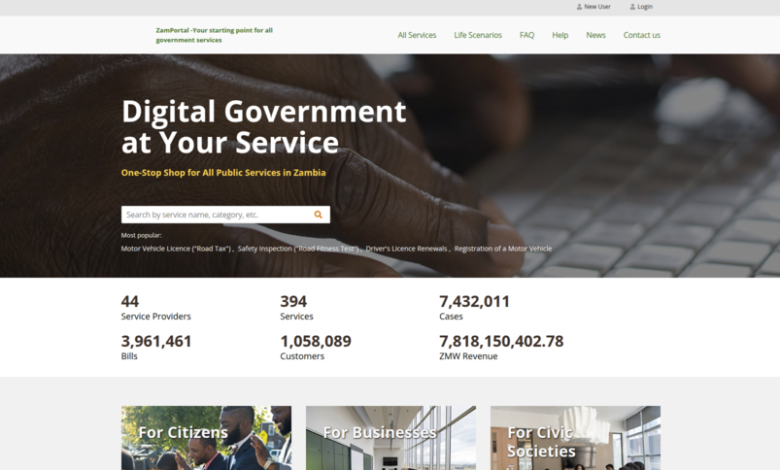
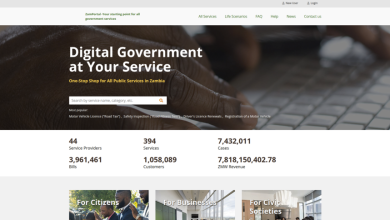
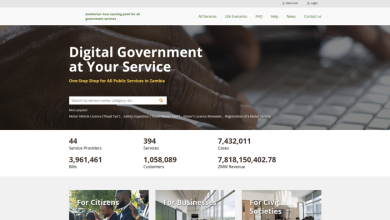
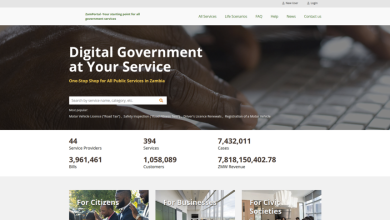
In the current digital-first era, manually queuing for a motor vehicle licence—commonly known as “Road Tax”—is an unnecessary expenditure of time. Through the ZamPortal (Government Services Bus), the Road Transport and Safety Agency (RTSA) has fully digitized this process.
This guide provides a professional walkthrough for securing your digital road tax disc instantly, ensuring your vehicle remains compliant with the Road Traffic Act No. 11 of 2002.
Prerequisites for Renewal
Before initiating the digital application, motorists must ensure their records are synchronized across the national databases.
| Requirement | Specification |
| Authentication | Valid ZamPass Account (NRC/Passport linked) |
| Insurance | Valid coverage reflected in the ZIDB (Zambia Insurance Database) |
| Road Fitness | Current and valid Certificate of Road Fitness |
| Payment | Digital funds (Mobile Money or Debit/Credit Card) |
Tech Nerd Tip: The system will automatically block your application if your insurance has expired or has not yet been uploaded to the ZIDB by your insurer. Always verify your insurance status 24 hours before your road tax expires.
The Digital Renewal Process
1. ZamPass Secure Authentication
Access the portal at pass.gsb.gov.zm.
Identity Check: Log in with your NRC or Passport number.
Security Protocol: Enter the One-Time Password (OTP) sent to your registered mobile number or email address.
2. Service Initialization
Once on the ZamPortal dashboard:
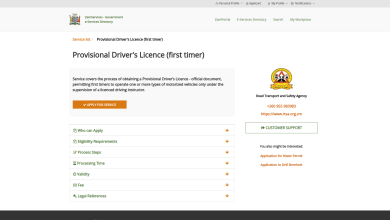
Navigate to the RTSA Service Directory.
Select “Motor Vehicle Licence (Road Tax)” and click “Apply”.
Your personal details will be retrieved automatically from the National Identity Register.
3. Vehicle Query and Data Validation
Data Retrieval: Enter your vehicle’s registration number (e.g., ABM 1234).
The system will perform a real-time check of your ZIDB Insurance and Road Fitness records.
Selection: Choose your desired validity period: 1, 2, 3, or 4 Quarters.
4. Integrated Payment and Submission
The portal utilizes a secure, cashless gateway.
Supported Methods: Airtel Money, MTN MoMo, Zamtel Kwacha, or Visa/Mastercard.
Submission: After payment is confirmed, submit the application. The processing time is instant.
5. Digital Certificate Issuance
Download: Upon successful submission, you will be redirected to a preview of your Electronic Road Tax Disc.
Printing: You may print the disc or save the digital copy. It contains a secure QR Code which traffic officers use for roadside verification.
Fee Schedule and Validity
Road tax fees are standardized based on vehicle weight and usage. Note that you cannot purchase a tax disc that exceeds the expiry date of your current insurance policy.
| Duration | Validity Period |
| Single Quarter | 3 Months |
| Bi-Annual | 6 Months |
| Annual | 12 Months |
Verification & Compliance
Once you have downloaded your digital certificate, no further visit to a RTSA station is required. Under the 2026 digital enforcement framework, the electronic disc is a legally binding document.
Display: While the disc is digital, it is recommended to keep a printed copy in the vehicle or a clear digital version on your mobile device for rapid inspection.