Road Tax 2026: Solving the “Insurance Not Found” Error
Introduction
Gone are the days of just walking into RTSA with a handful of cash. To renew your Road Tax online in 2026, the system performs a Real-Time Audit of your vehicle. If you haven’t cleared your Carbon Tax or if your insurance isn’t in the database, you’ll be blocked.
Here is how to navigate the new “Online Combo” without getting stuck.
1. The Verification Trio
When you enter your plate number on ZamPortal, the system checks three things instantly:
Identity: Is the vehicle registered to your NRC?
Carbon Tax: Has the annual emission fee been paid for 2026?
Insurance: Is there a valid cover note on the ZIDB?
If any of these are missing, the system will not generate your invoice.
2. Understanding the ZIDB (The Insurance Wall)
The Zambia Insurance Database (ZIDB) is a central digital hub where all insurance companies must upload your cover note details.
The Rule: Your insurance must be valid for more than 90 days (one full quarter) to buy a quarterly road tax disc.
The Problem: Sometimes you have a physical insurance paper in your hand, but the RTSA website says “Insurance Not Found.”
The Fix: Do not go to RTSA! This is not a RTSA error. It means your insurance company has not “pushed” your data to the ZIDB. Call your insurance agent and tell them: “My cover note isn’t reflecting on ZIDB; please upload it so I can pay for Road Tax.”
3. Carbon Tax: The Annual “Add-on”
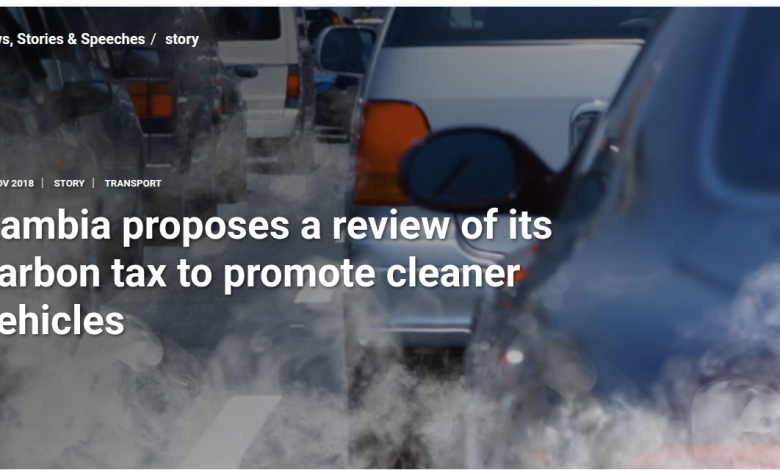
Carbon Tax (Carbon Emission Surtax) is an annual fee based on your engine size.
How it’s billed: If you are renewing your Road Tax for the first time in 2026, the system will automatically add the Carbon Tax fee to your total.
Don’t Panic: You only pay this once a year. If you pay it in Q1, your Q2 and Q3 renewals will be much cheaper because the Carbon Tax will show as “Paid.”
4. Step-by-Step: The “No-Fail” Process
Check Fines First: Use the RTSA Traffic Violations link (from our previous post) to make sure you aren’t blocked by a speed fine.
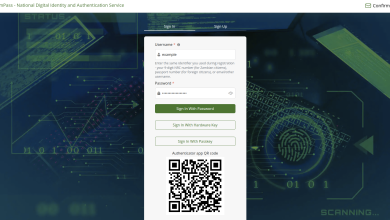
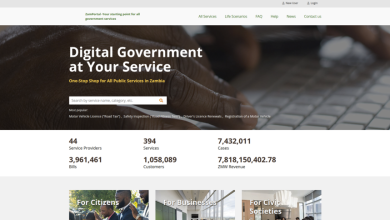
Login to ZamPortal: Use your ZamPass at eservices.gov.zm.
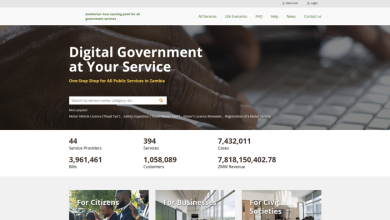
Query Vehicle: Select “Motor Vehicle Licence” and enter your plate number.
Confirm Data: The system will pull your insurance details automatically from ZIDB. If they appear, you are good to go.
Pay: Use MTN MoMo, Airtel Money, or your bank card.
Download & Print: You will receive a digitally signed PDF Road Tax Disc. Print this out—you no longer need to wait for a physical sticker!
Pros and Cons of the New System
Pros
Zero Queues: You can renew at 11:00 PM on a Sunday from your sofa.
Transparency: You see exactly what you are paying for (Road Tax vs. Carbon Tax).
Instant Receipt: No risk of losing a physical disc in the mail.
Cons
Database Delays: If your insurance company is slow to upload, you can’t pay.
Tech Literacy: You need a smartphone or PC and a printer.
Double Payments: If you accidentally pay twice because of a slow internet connection, getting a refund is a manual, long process.
Quick Tip: Before you pay, always check the “Number of Quarters” dropdown. Some people accidentally pay for a full year (4 quarters) when they only intended to pay for one!